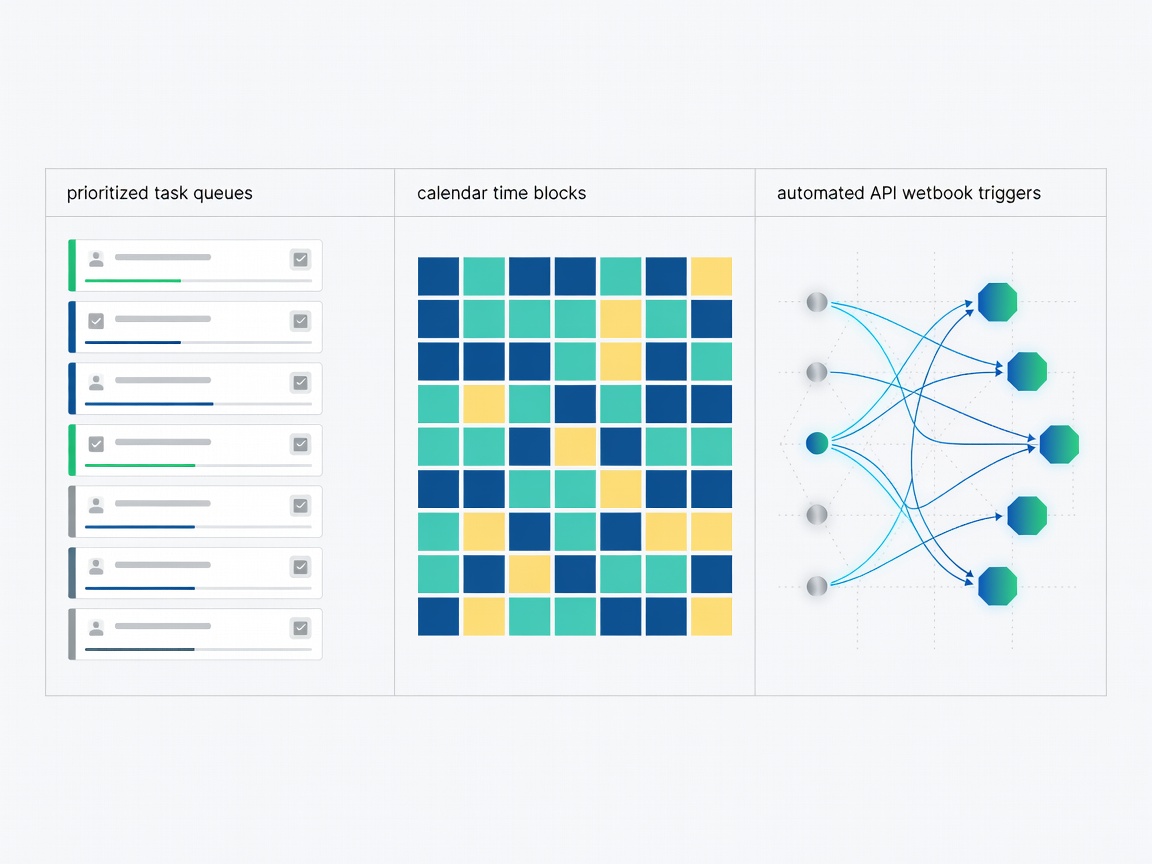
1. Key Pillars of Automated Productivity
Artificial intelligence in personal and operational productivity is concentrated in four complementary domains:
Algorithmic Time Blocking
Calendar engines dynamically reorganize daily schedules, fitting tasks around incoming meetings and moving focus blocks forward when meetings overrun.
Multi-App Integration Triggers
Contextual automation triggers cross-application actions, such as capturing lead details from an email, formatting a CRM record, and issuing an invoice notification without code.
Self-Organizing Knowledge Graphs
Note-taking tools link notes, references, and audio memos using semantic embeddings, surfacing relevant prior thinking without rigid folder hierarchies.
Communication Filtering
Smart inboxes categorize incoming correspondence by urgency, automatically drafting succinct response options for routine confirmations.
2. How to Evaluate Productivity Software
Many "productivity" applications introduce more organizational friction than they eliminate. Consider these pragmatic factors before introducing a new tool to your stack:
- Friction vs. Maintenance Overhead: If an AI calendar or task manager requires 30 minutes of manual parameter tuning every morning, it offsets its own efficiency gains. Choose tools that operate cleanly in the background.
- Failure Modes and Graceful Degradation: If an automated workflow encounters an ambiguous email or API timeout, does it crash silently or notify you for manual triage? Robust systems fail predictably and transparently.
- Bi-directional Sync Reliability: In productivity software, synchronization errors lead to double-booked appointments and missed client deliverables. Ensure the vendor supports robust two-way syncing with Google Workspace or Microsoft Outlook.
- Exportability and Vendor Lock-in: Avoid tools that trap personal task history or structured notes in proprietary file formats. Insist on clean Markdown, JSON, or CSV data exports.
3. Established Productivity Tools in Active Distribution
The following real-world applications represent mature benchmarks in algorithmic scheduling and operational automation:
-
Zapier Central Visit Tool (Official Website) →
Connects thousands of web applications through plain-language AI assistants that can listen to incoming webhooks, inspect databases, and trigger complex multi-step automated operational workflows.
-
Reclaim.ai Visit Tool (Official Website) →
Smart scheduling engine for Google Calendar. Automatically defends time for focused deep work, recurring habits, and urgent tasks while adjusting around shifting meeting availability.
-
Combines project task management with algorithmic calendar allocation. Continuously recalculates personal and team daily agendas to ensure hard deadlines are achieved.
-
Self-organizing digital notebook. Uses machine intelligence to automatically link related thoughts, project notes, and contact interactions without requiring manual tagging or nested folders.
-
Todoist (AI Assistant) Visit Tool (Official Website) →
Incorporates language parsing to break daunting multi-phase goals into concrete actionable sub-tasks, estimating completion timelines and suggesting sensible scheduling milestones.
Automation Risk Safeguard
Never automate external email replies or billing transactions without an initial human-in-the-loop review stage. Automated loops can amplify minor communication errors exponentially.
4. Building a Minimal Viable Automation Stack
Resist the urge to adopt five new productivity apps concurrently. Select one scheduling engine to defend calendar focus, paired with one note-taking repository. Run that configuration for thirty days before considering multi-app API triggers.
For guidance applying these principles to consumer life, read our Everyday Tasks Guide, or visit our Workplace Directory.